
A familiar workflow in a desktop app
phpMyAdmin is a web-based tool for managing MySQL and MariaDB. Cuvel SQL is a database client installed on your PC.
Unlike phpMyAdmin, Cuvel SQL does not expose a web interface, so you can connect securely from your local PC using SSH and similar methods. You can work securely while keeping a familiar way of working. (This does not imply complete feature compatibility with phpMyAdmin.)
Where do familiar tasks live?
Selecting a table opens access to browsing, structure, SQL, search, export and import. The table below shows where to start in Cuvel SQL. Available operations depend on the database product and your permissions.
| Your task | Where to start in Cuvel SQL |
|---|---|
| View or edit records | Select a table and open Browse. Double-click an editable cell, review the change and save. |
| Inspect columns and indexes | Open Structure to inspect definitions. Changes depend on the database and your permissions. |
| Run SQL or search | Enter a statement in SQL, or choose a column, condition and value in Search. |
| Move data in or out | Open Export or Import. Selected rows also have an export button in the selection area. |
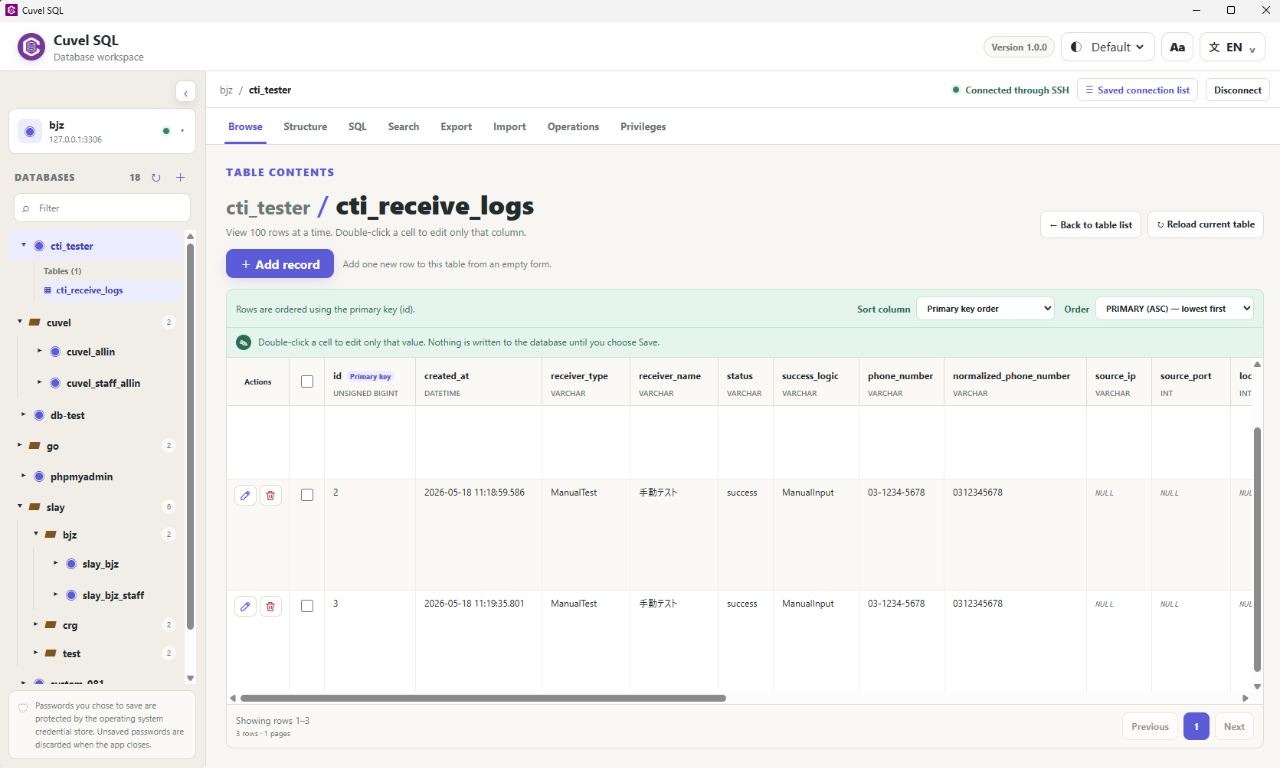
Safety through checks before changes
Deleting selected records asks you to confirm the database/table and row count. Cell edits are not applied until saved. SSH tunnels and TLS connections are supported, and you choose whether to save passwords. On Windows, saved passwords use the OS credential store. These safeguards reduce mistakes but do not replace backups. Deletions cannot always be undone; if a batch deletion fails partway through, earlier deletions are not rolled back.
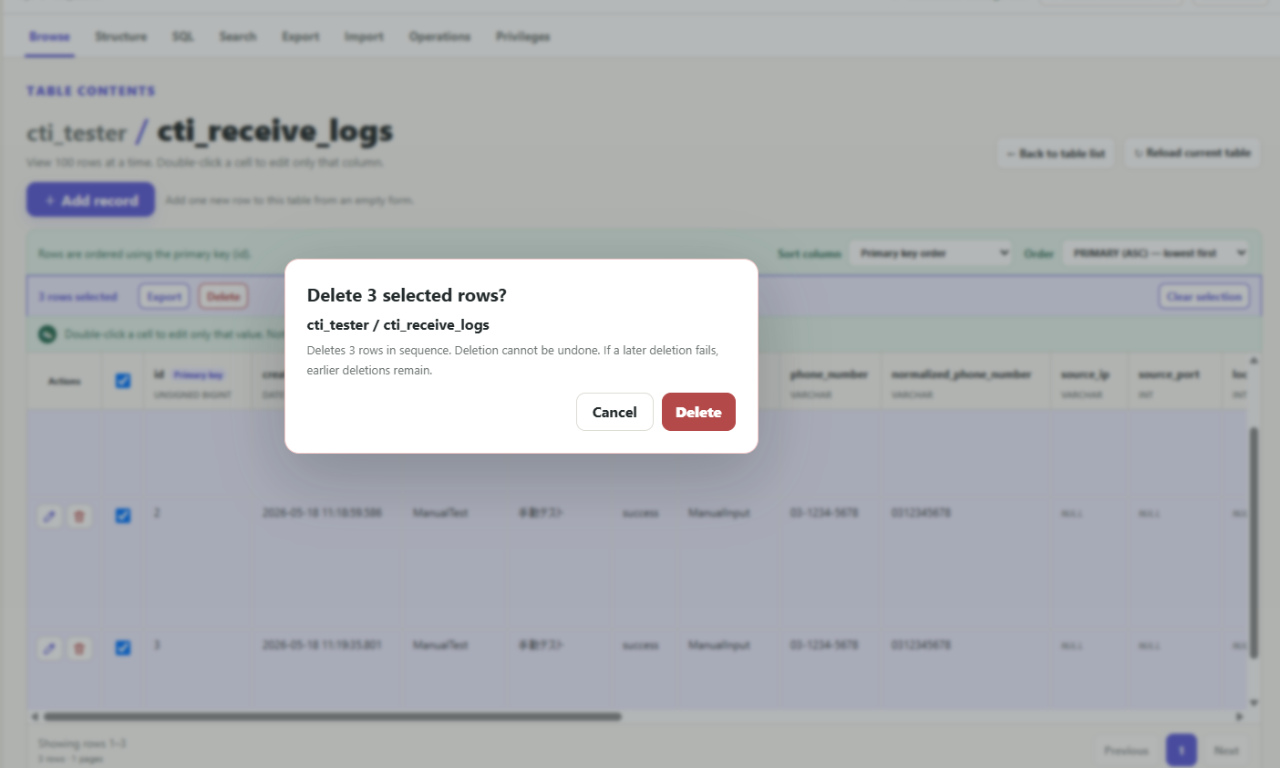
Less effort for everyday work
Choose saved connections and switch between multiple connected destinations. Set search conditions and ascending or descending column sorting on screen, or export selected rows. Long lists keep column headings visible at the top and let you scroll horizontally without reaching the bottom. Adjust text, headings and spacing with plus/minus controls.
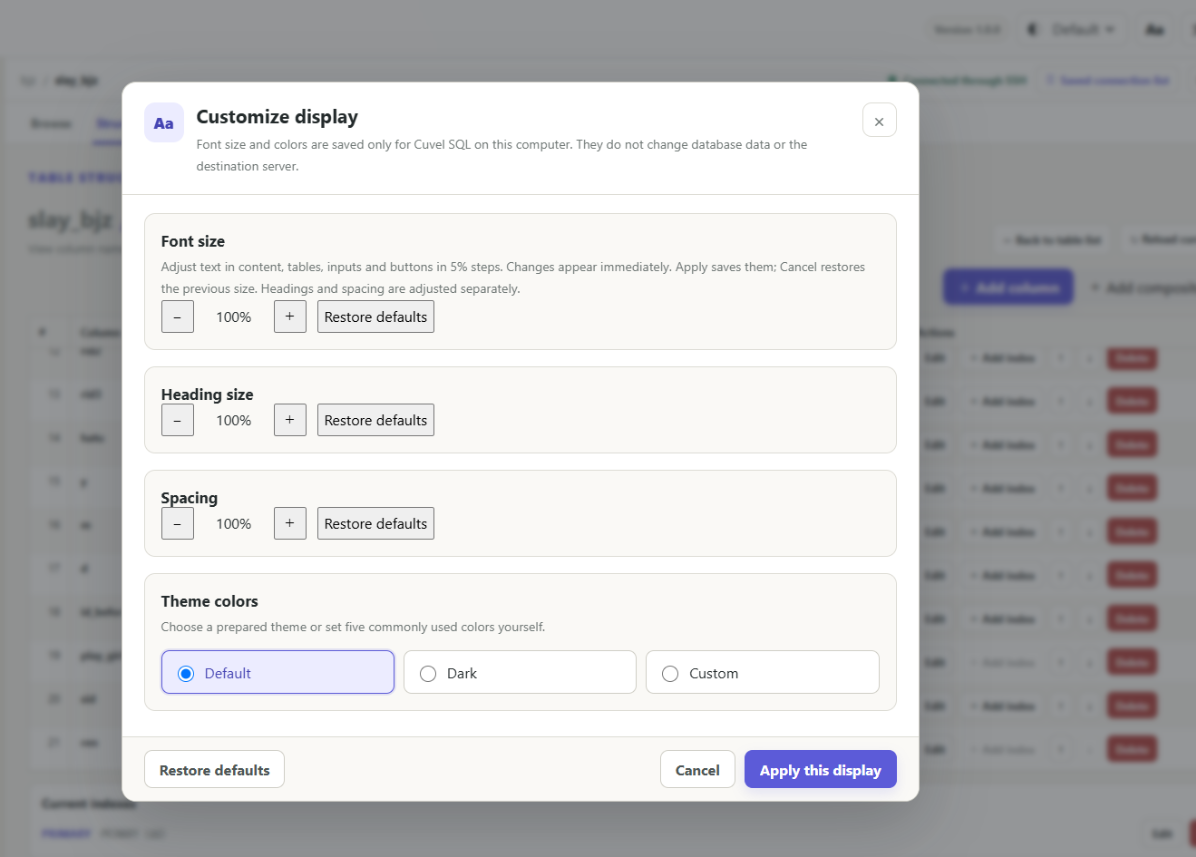
Help with the next step
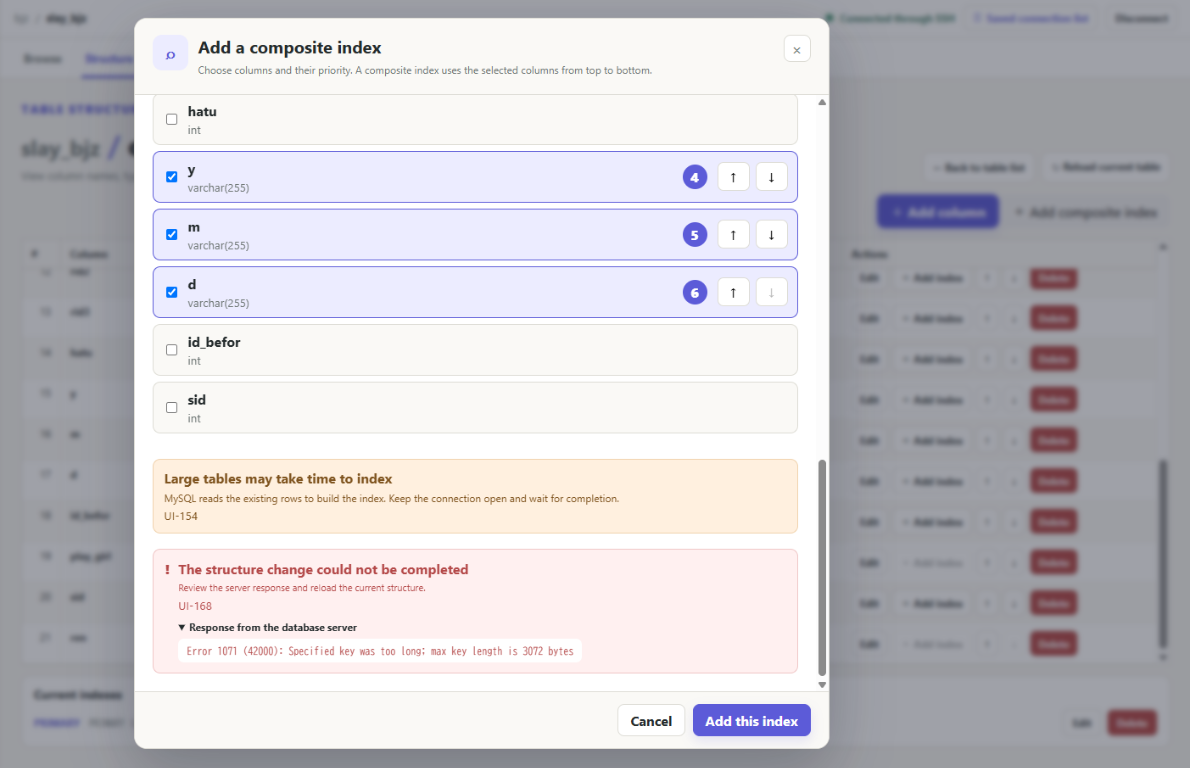
When an error occurs, the app automatically scrolls to it and explains the cause and what to check next. Important actions such as deletion make the target easier to verify, and you can choose from nine display languages, including Japanese. We believe helpful design means intuitive operation and understanding what happens before and after each action.
Start by viewing your existing database
Being able to log into phpMyAdmin does not necessarily mean your PC can reach the database. Ask your administrator for the database host, port and credentials, and whether direct access or SSH is available. A web administration URL is not a database hostname. Begin by viewing a table with an account that has only the permissions you need; check the target and backups before editing or deleting.
Your first connection →